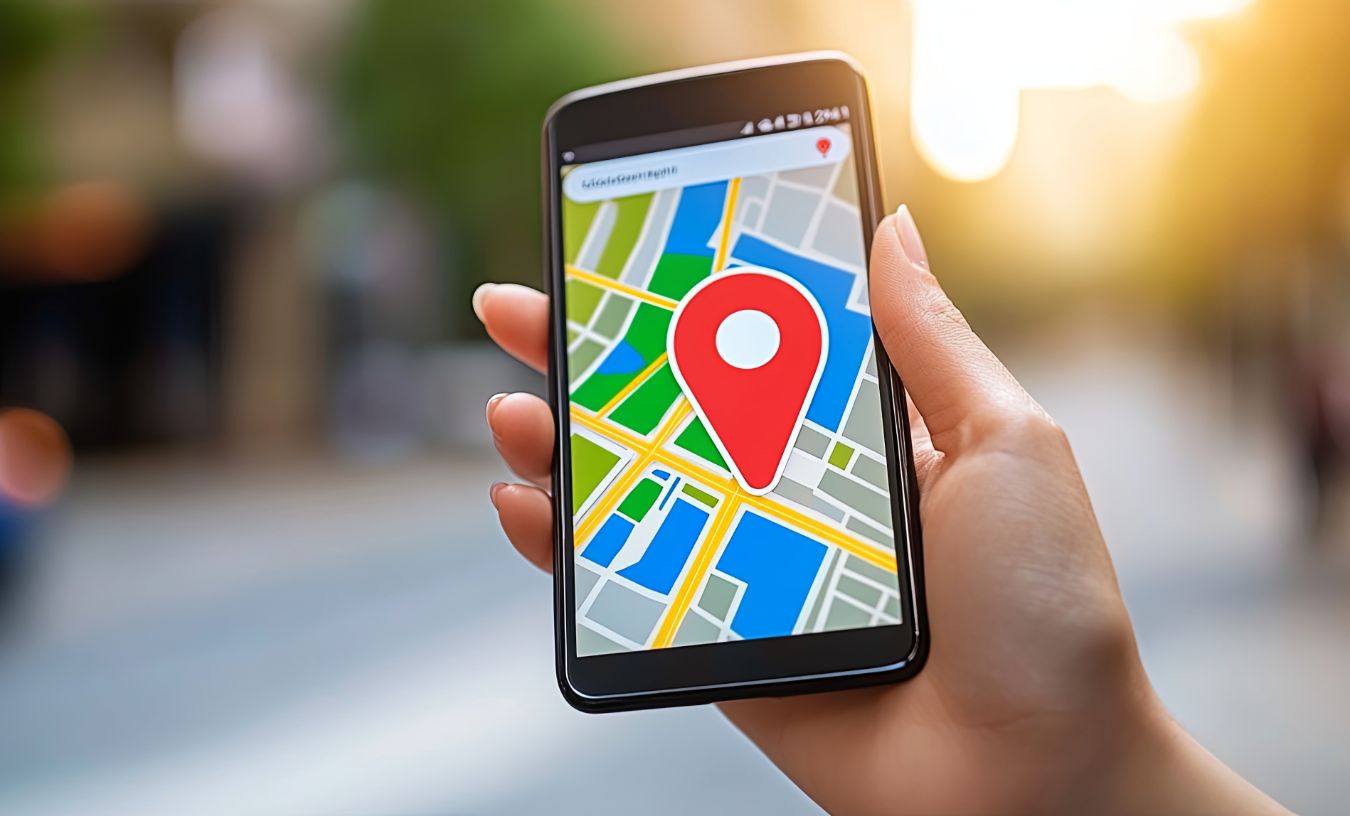
If you want your business to be visible to local customers, appearing on Google Maps and in Google search results is essential. In 2026, Google Business Profile (formerly Google My Business) continues to be the go-to tool for businesses looking to attract local clients, manage their online presence, and grow their reputation. But before your business can appear on Google Maps or in local search results, it needs to be verified.
In this blog, we’ll cover the benefits of being listed, the verification methods, and how to handle businesses that operate from home or virtual offices.
Why You Should Verify Your Business on Google Business Profile
Verifying your business on Google comes with several key advantages:
- Increased Visibility: Verified businesses appear on Google Maps and in local search results, helping customers find you easily.
- Credibility and Trust: A verified listing shows customers that your business is legitimate.
- Manage Your Business Information: Control your hours, contact details, website, and photos.
- Customer Engagement: Respond to reviews, answer questions, and post updates to attract more clients.
- Insights and Analytics: Track how customers find your business, what actions they take, and which areas need improvement.
How to Verify Your Business
Google offers several verification methods depending on your business type and location.
1. Mail Verification
This is the most common method. Google will send a verification postcard to your business address with a unique code.
Steps:
- Log in to your Google Business Profile.
- Enter your business address.
- Request a postcard.
- When it arrives (usually within 5–14 days), log in to your profile and enter the code.
- Once entered, your business is verified and eligible to appear on Google Maps.
2. Video Verification
In 2026, Google increasingly uses video verification for certain businesses, especially those with multiple locations or difficult-to-verify addresses.
What it involves:
- Recording the exterior: Show the front of your building, signage, and street view.
- Showing the interior: Walk through the business space and highlight key areas that prove you operate there.
- Accessing a restricted area: Show areas that only your staff or authorized personnel can enter, such as offices, storage, or behind-the-counter areas.
Google may guide you to submit this video via their app or request a live video call. The goal is to confirm your business operates at the stated location.
3. Businesses Without a Physical Location
Google Business Profile does not allow virtual offices or home addresses to be listed as storefronts. If you operate from home or a virtual office, you can still list your business as a service-area business (SAB).
Steps:
- Select “I deliver goods and services to my customers” when setting up your profile.
- Enter the areas you serve instead of your exact address.
- Avoid listing your home or virtual office address; Google will not verify it as a storefront.
- Complete the verification process through mail, email, or phone if eligible.
This way, your business appears in local searches for the areas you serve without revealing your private address.
Final Tips for Verification
- Make sure your business name, address, and phone number (NAP) are consistent across all platforms.
- Keep your profile updated with photos, hours, and services.
- Respond to reviews promptly to boost your local SEO.
- If verification fails, double-check your address and ensure your business meets Google’s guidelines.
Conclusion
Verifying your business on Google Business Profile in 2026 is essential for building trust, gaining visibility, and attracting local customers. Whether you verify by mail, video, or through a service-area listing, taking this step ensures your business can compete in the ever-growing digital marketplace.
Watch This Video on How To Verify Your Business on Google
Credit: Google

